


Phew, thankfully it went well!
This was just a test - but it could have been a phishing email
In our ongoing effort to raise awareness of cyber security, we conducted a simulated phishing test. This test was used to assess your employees' awareness of potential threats and their response to them. It is important to understand that such tests help to recognize real risks and respond to them adequately.

No forwarding
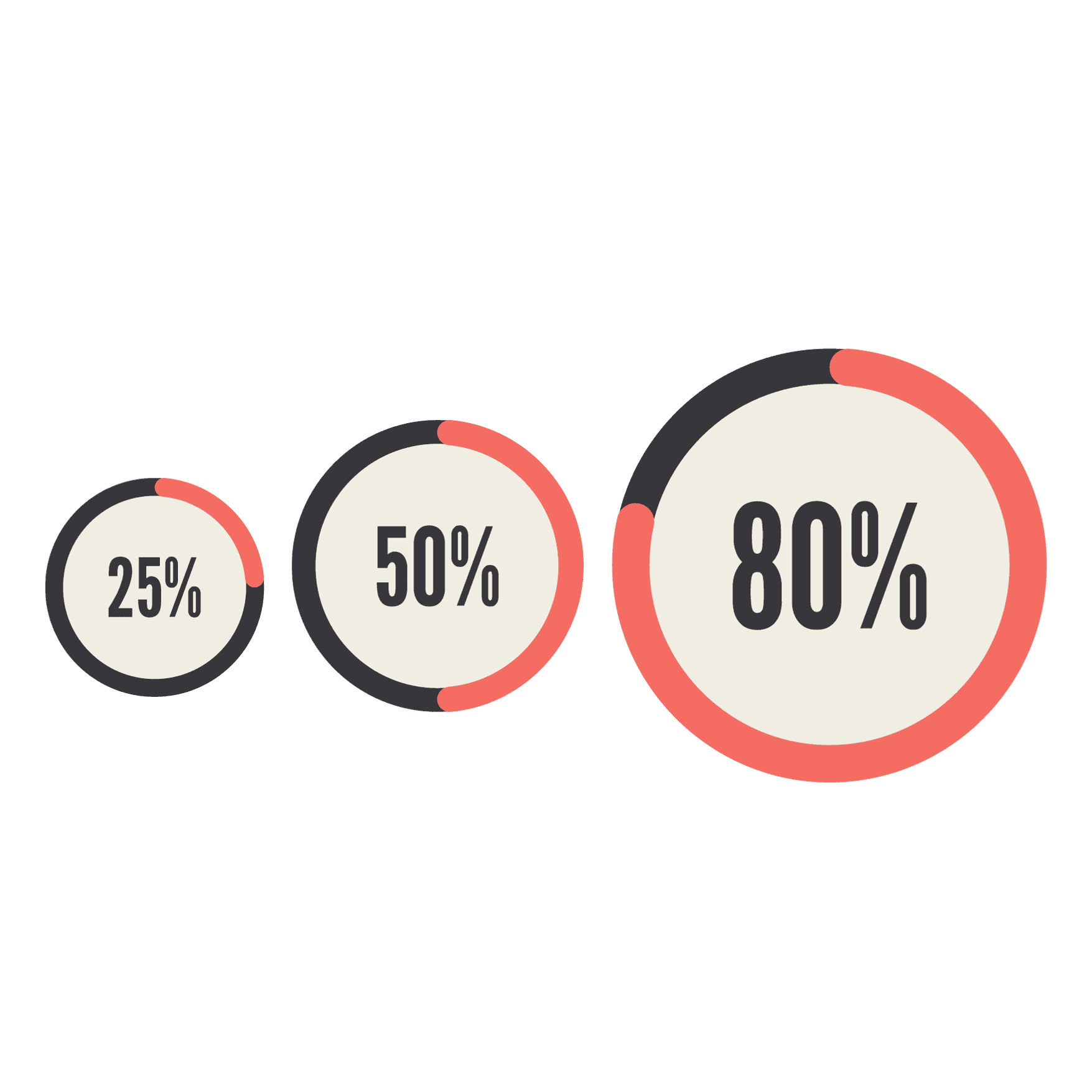
We measure for your company how many employees (in %) have clicked on the link in the email. From this, we draw conclusions about the need for further training and, if necessary, include additional information in our training courses. We do not tell your company which employees have clicked on a link. Data protection is very important to us.

No danger
This email and the link were just a test. Their aim is to sensitize you to phishing emails. The link only took you to a website of heyData, your data protection officer.
What you should look out for in the future
Hackers try to obtain sensitive data via phishing emails. Therefore, please check carefully whether you click on links in emails. You can check the destination of a link in an email as follows: Move your mouse over a link or a button without clicking on it. The destination address is now displayed directly underneath or in the bottom line of the browser or email program (usually on the left). On a smartphone, you can display the destination of a link by tapping and holding it.